
How It Works
A guided start, with your own data and your own brand
Every organisation is different, so the plan and its dates are agreed with you in your proposal. These are the steps.
-
1
Conversation and demonstration
We learn how your organisation works and show Communora360 with sample data set up for your kind of organisation.
-
2
Proposal
A written proposal sets out the modules, the work involved and every charge, by quotation, before you commit.
-
3
Set-up
Your profile and features, payment types, your own words, and your logo and colours on screens, receipts and reports. With Accounts, your bank accounts and opening balances too.
-
4
Bring your data
Import your member list from Excel or CSV. Rows that need fixing are shown with the reason, so nothing is lost silently.
-
5
Activate collections
Connect your organisation’s own Hubtel merchant account (Direct Receive Money and Online Checkout). Test in simulation mode before real money moves.
-
6
Train your team
Roles for each officer, separation of duties, and the Help centre available on every screen.
-
7
Launch to members
Members learn how to sign in, pay by USSD or Mobile Money, and use the member portal or the app.
Once you are live
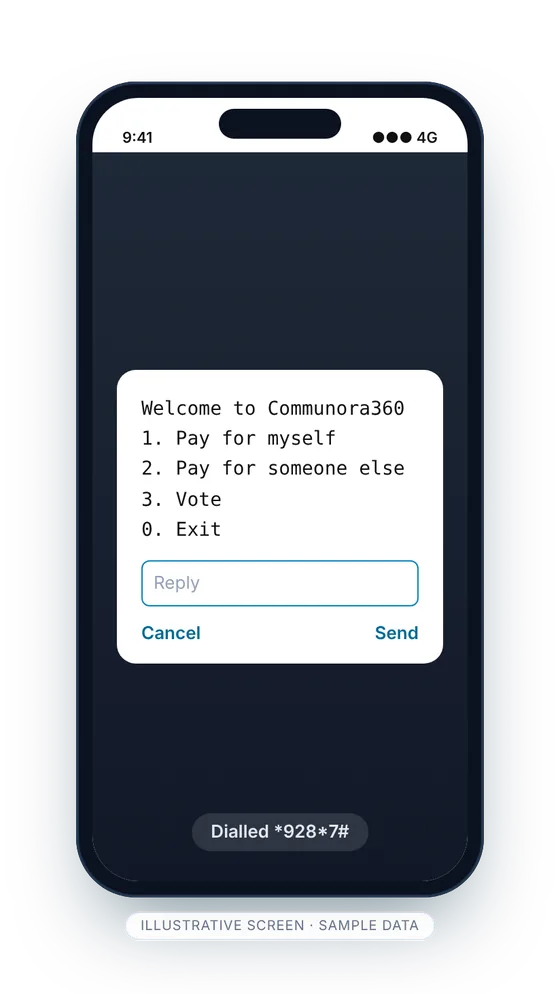
How a member pays by USSD
- 1
Dial
The member dials *928*7# on any phone. Their phone number identifies them.
- 2
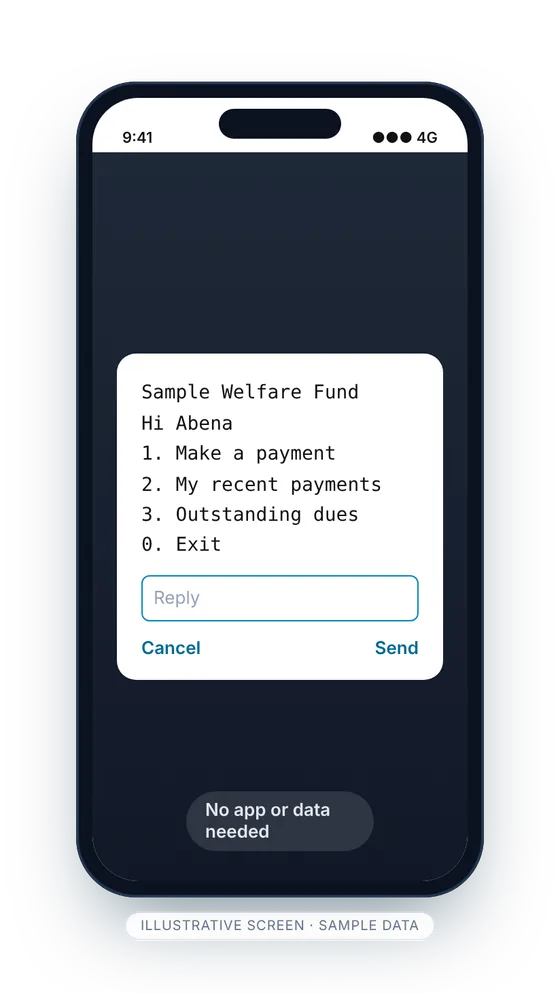
Choose
They pay for themselves, or for someone else with that member’s Member ID, and choose what to pay. Only the dues they qualify for are shown.
- 3
Approve
They approve the Mobile Money prompt on their own phone. Nobody else ever asks for their PIN.
- 4
Receipt
The payment is recorded against the member, an SMS receipt is sent and your dashboard updates.
The money goes into your organisation’s own Hubtel merchant account. Until that account is activated, payments run in simulation mode for testing.
What we will ask you for
Your member list
In Excel or CSV. Each member needs a Ghana phone number and a unique Member ID.
A Hubtel merchant account
In your organisation’s name, with Direct Receive Money and Online Checkout switched on, so payments go straight to you.
Your officers and their roles
Who records, who approves and who reports, so each person gets only the access their role needs.
Pricing is by quotation. Your proposal sets out each item before you commit: the subscription, any setup and onboarding, SMS and USSD usage, payment processing under your agreement with Hubtel, and any agreed fee on members’ payments.
See Communora360 set up for your organisation
A guided demonstration with sample data for your kind of organisation: members, collections, events and elections. No obligation.